

Managing home maintenance and records across several properties quickly turns into a confusing mess of paper, photos, and disconnected apps. Most home maintenance tools either require manual data entry, hide advanced features behind high subscription fees, or limit access to specific regions. This comparison details pricing, automation, geographic coverage, and record features so homeowners and property managers can pick the best alternative for 2026.
Table of Contents
WorkbenchGuide
At a Glance
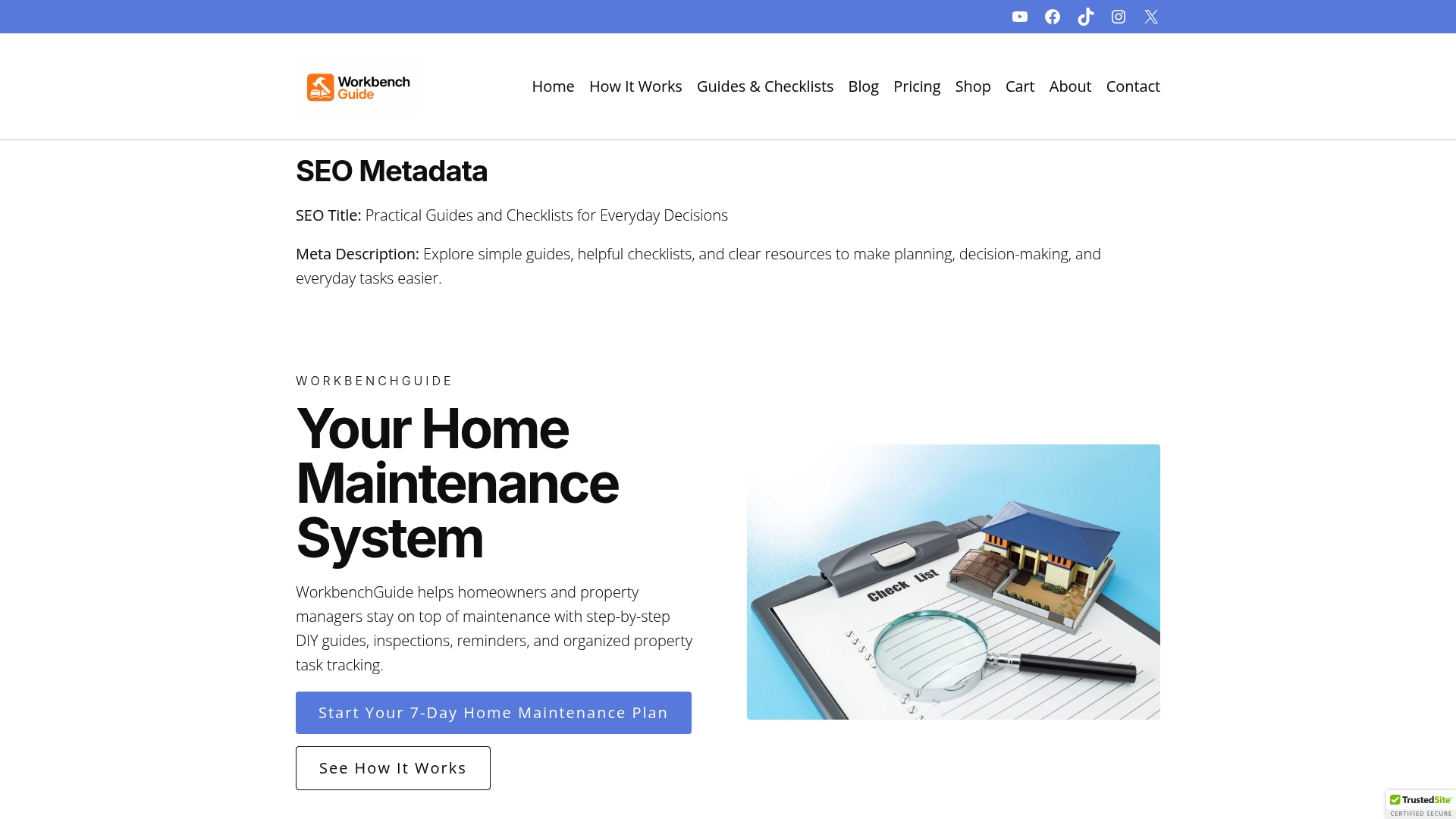
Created by a licensed general contractor, WorkbenchGuide mixes trades experience with digital task tracking and property records. The platform bundles guided repair instructions, recurring maintenance schedules, inspection checklists, and photo-backed task history. That combination targets homeowners and managers who prefer practical, hands-on guidance over abstract project lists.
Core Features
WorkbenchGuide provides guided DIY repair instructions written by experienced professionals and plain-language maintenance checklists you can follow without prior trade skills. The system includes maintenance schedules for recurring tasks across multiple properties and inspection checklists for routine walkthroughs. Task management stores notes, photos, reminders, and a history log alongside organized property records and warranty details.
Key Differentiator
The single most distinguishing feature is the vendor’s contractor background shaping content and workflows. That background shows in repair guides that match common jobsite practices and in templates built for realistic inspection rhythms. For owners who want practical guidance and repeatable maintenance, this product turns irregular upkeep into a predictable set of tasks.
Pros
WorkbenchGuide helps prevent avoidable repairs by prompting routine checks and follow ups tied to specific systems. It centralizes warranties, system details, and repair histories so you do not hunt for paper records when a contractor arrives. The user interface guides nonexperts through repairs with clear steps and photos, which reduces uncertainty for DIYers. It also supports multiple properties with separate schedules, making it suitable for small portfolios and rental landlords.
Cons
- May not support highly customized or complex building automation systems, which limits fit for large commercial portfolios.
Who It’s For
Homeowners who want organized maintenance routines and DIY guidance will find this platform practical. Landlords with several rental units benefit from per property schedules and shared inspection templates. Small property managers who need a simple way to track repairs, warranties, and maintenance history will also find this useful.
Unique Value Proposition
Guided repair content authored by a licensed general contractor gives WorkbenchGuide a practical edge. Those guides reduce guesswork during repairs and help you decide when to call a pro. For owners juggling maintenance across units, the operational effect is fewer emergency calls and clearer documentation for contractor handoffs.
Real World Use Case
A property manager schedules quarterly inspections in the platform, attaches photos to each task, and assigns follow up repairs to a maintenance tech. The manager keeps warranty documents and repair history per unit and uses the platform notes when billing or negotiating contractor work.
Pricing
Pricing starts at $7/month for homeowners. Tiered plans add features and higher property limits for landlords and property managers. Billing options include monthly or yearly payments.
Website: https://workbenchguide.com
HomeZada
At a Glance
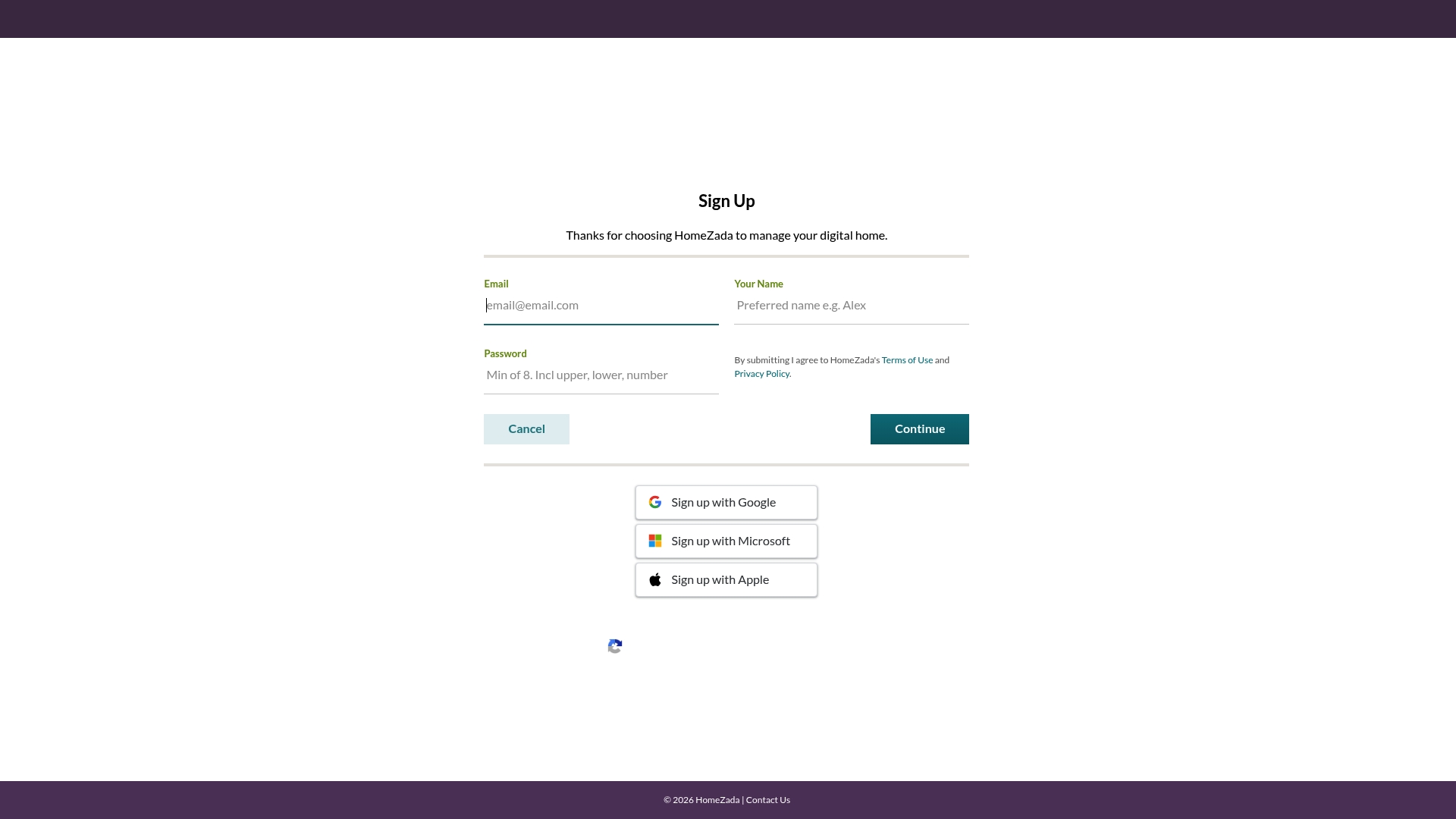
AI analyzes your home and generates personalized insights and visualization previews. That analysis links inventory, scheduled maintenance, projects, and finances into a single record for each property. HomeZada also offers branded portals for real estate and service professionals, and charges some one time fees for value added services.
Core Features
HomeZada centralizes home inventory with photos, receipts, and documents for insurance and resale records. It adds scheduled maintenance reminders and project tools to track tasks, costs, and documents while keeping financials like expenses, value, and equity in one place. The platform layers AI powered design visualizations over those records so you can compare ideas before spending.
Key Differentiator
The product stands out for using AI to scan a property and produce tailored maintenance suggestions and visual previews. That focus on automated, property specific insight helps owners prioritize repairs, scope renovations, and present a clear record to buyers or insurers.
Pros
HomeZada combines inventory, maintenance, projects, and finances in one system, which cuts the need to juggle spreadsheets and separate apps. The AI driven insights speed decision making by suggesting what to fix and when. The platform supports multiple properties and collaborative access for families and professionals, and it offers tiered plans that match individual and professional use. Data sits in the cloud, which reduces local backup chores.
Cons
-
Pricing might be high for casual users or those managing a single property. Subscription tiers and extra service fees add up over time.
-
Offline functionality is limited since the app relies on cloud access for full features. Work in places without reliable internet will be constrained.
-
Some people report a learning curve when they first use all features. Getting the most from AI suggestions and project tracking can take time.
-
Functionality and support are mostly aimed at U.S. users, which limits usefulness for international homeowners.
When It May Not Fit
If you manage a single rental or need a simple checklist app, the subscription cost may outweigh the benefits. If you often work without internet, the cloud first design will slow you down. If you want global support or local tax handling outside the United States, the product may not meet those needs.
Who It’s For
Homeowners who want a single place to store receipts, warranties, and maintenance history will find clear value. Real estate agents and service professionals who want branded portals can use it to add client value and generate fees. Property managers overseeing several homes will benefit from the multi property and collaboration features.
Real World Use Case
A homeowner catalogs appliances and room photos, sets recurring maintenance reminders, and tracks a kitchen renovation budget. The homeowner uses visualization previews to compare cabinet and paint options, and then hands a complete maintenance and expense record to their agent when listing the home.
Pricing
A free basic version is available. Premium options are listed at $99/year or $15.95/month, and a deluxe plan is $189/year. Additional charges apply for services such as publishing Zada Files or adding extra properties.
Website: https://homezada.com
HomeKeep
At a Glance
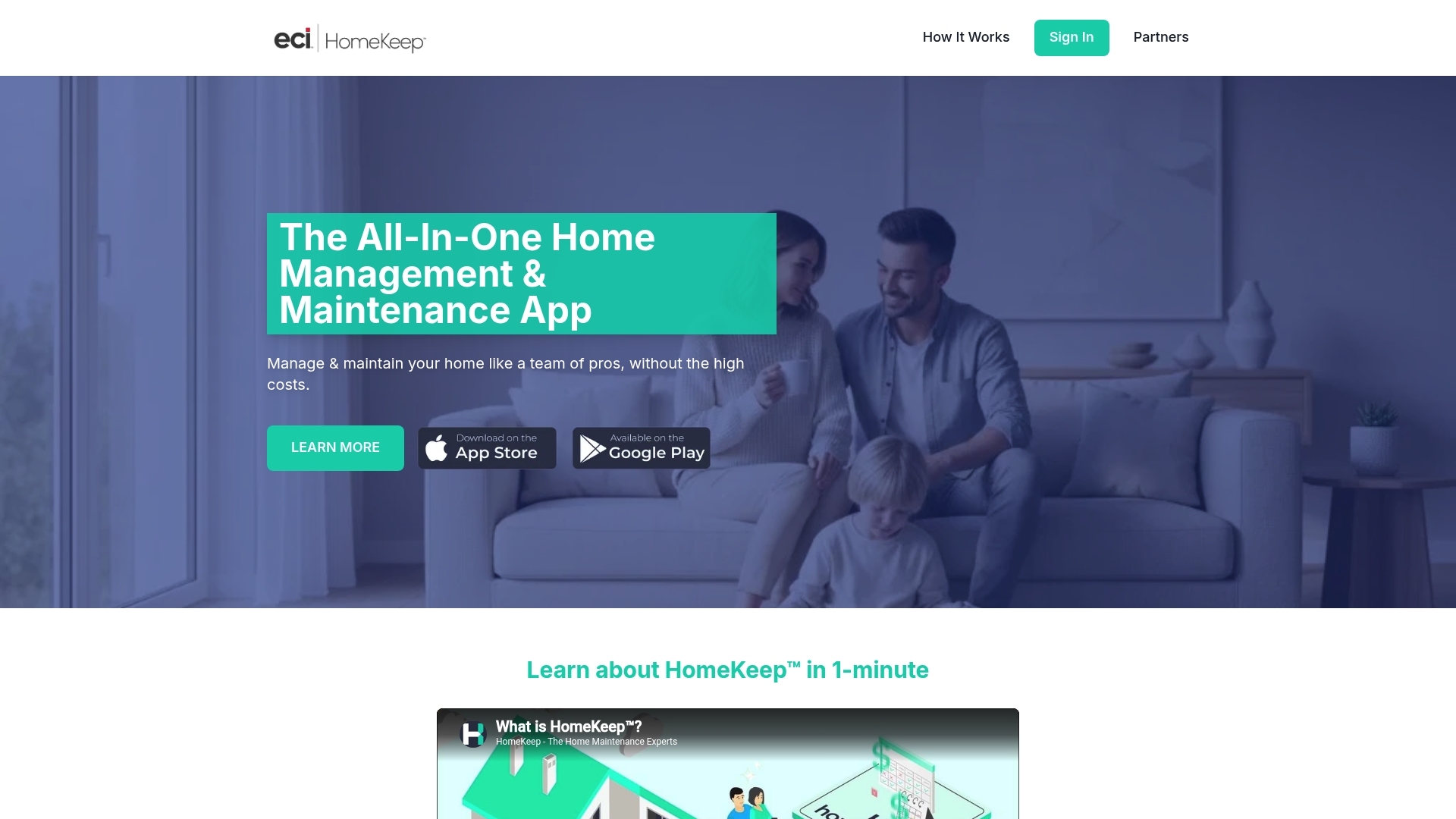
You can build a personalized maintenance plan and attach receipts, warranties, and manuals to each item. This keeps service history and documentation tied to the right appliance or system. Mobile access and task reminders make following a schedule easier for busy homeowners. The app also stores service contacts so records and providers live in one place.
Core Features
Home inventory management pairs with custom maintenance plans and lets you link documents to specific items. The app issues scheduled reminders and stores receipts, warranties, and manuals for quick retrieval. A simple contacts list holds service providers so you can call or reference a technician from the same record.
Key Differentiator
HomeKeep centers on a step by step maintenance plan combined with integrated record keeping. That combination turns isolated checklists into a maintained history you can reference across devices. The result reads more like a homeowner file cabinet than a standalone reminders app.
Pros
HomeKeep helps homeowners keep records and schedules in one place, which reduces the guessing around when to service systems. The reminders and task guides reduce the chance of missed maintenance, which often leads to bigger repairs. Multi device availability on iOS and Android means you and your family can access the same plans from phones and tablets.
Cons
- Dependence on user input for accurate records and schedules. If you stop updating inventory or dates, reminders and history become unreliable.
- Limited details on integration with third party service providers. The product lists integrations in general terms but does not provide a public roster.
- Subscription costs have appeared in buyer feedback as a consideration. Some reviewers report paying for premium features or encountering feature limits for DIY tasks.
When It May Not Fit
If you want automatic syncing from appliance manufacturers or smart home devices, HomeKeep may fall short. The product relies largely on manual entry and manual updates. If budget is tight, subscription costs for advanced features could rule it out for some homeowners.
Who It’s For
This product fits homeowners who prefer hands on management of their home records and schedules. It suits people who like to keep receipts, manuals, and service contacts in one searchable place. New homeowners who need a structured way to learn upkeep will find the guided plans helpful.
Real World Use Case
A homeowner photographs appliance serial numbers, uploads warranty PDFs, and tags each item with a maintenance schedule. The app sends reminders before seasonal tasks like AC servicing or chimney cleaning. All documents and the service contact appear on the homeowner’s phone when a contractor calls.
Website: https://homekeep.com
Homer

At a Glance
Homer creates floor plans from phone scans that include measurements and fixtures. The app uses AI to detect inventory and pull manuals automatically. A free basic tier exists and paid subscriptions unlock advanced features and extra storage.
Core Features
Homer combines AI powered inventory detection with automatic retrieval of documentation and manuals, so appliances and fixtures populate your digital binder quickly. The app also offers expense tracking and a Home timeline for recording repairs, renovations, and warranty dates. Mobile and web apps include task lists, reminders, and AI Helper Bot assistance, plus secure cloud storage for documents and photos.
Key Differentiator
Homer stands out for its AI powered automatic detection that links scanned items to manuals, warranties, and maintenance entries. That automation reduces manual data entry and helps tie reminders to specific appliances or projects. The linkage between inventory, timeline, and reminders is the main workflow advantage here.
Pros
Homer makes it simple to gather and organize home information in one place, which saves time when you need a manual or warranty. The automation speeds setup, especially if you scan several rooms by phone. Built in reminders and the Home timeline reduce the risk of missed maintenance, and secure cloud storage keeps documents accessible from mobile or desktop.
Cons
- Paid features are behind premium subscriptions, so advanced tools require an ongoing cost.
- API access and other advanced capabilities appear limited to larger plans, which constrains integration for power users.
- Public details about third party integrations are sparse, so connecting Homer to other services may be unclear.
When It May Not Fit
Homer may not fit if you need deep third party integrations or a public API for automation. Avoid it if you require free access to advanced features, because those features are gated by paid tiers. Large property management operations that need custom enterprise connectors may find the available integration details too thin.
Who It’s For
Homer suits homeowners who want a single place for manuals, warranties, and home records. Property managers who need to track multiple units will find the inventory and timeline useful. Renovators and contractors can use the floor plan and timeline features to document project progress and expenses.
Real World Use Case
A homeowner scans kitchen appliances with the phone camera and Homer auto populates manuals and warranty dates. The owner sets maintenance reminders tied to those items and logs a roof repair on the Home timeline. The result is a searchable record of expenses, documents, and scheduled upkeep.
Pricing
Homer offers a free tier for basic use and optional premium subscriptions for advanced features and added storage. Pricing details for individual plans are available on the vendor site. Larger accounts can request information about enterprise or multi property pricing.
Website: https://homer.co
Oply

At a Glance
Charges only when a job is invoiced. That fair pricing model avoids upfront service fees for homeowners who prefer pay-per-job billing. Oply focuses on Tennessee for now while indicating plans to expand. The app pairs maintenance reminders with photo-based project scoping and inspection uploads.
Core Features
Oply centralizes maintenance scheduling, inspection uploads, and service history so you can keep records for each system and project. It offers Smart project creation from photos, tailored maintenance reminders, and a Home Score that tracks milestones and visible progress. The app also connects you with vetted local pros and supports bringing your own service providers.
Key Differentiator
Oply combines predictive maintenance ideas with an integrated vendor network that you can hire directly from the app. The combination of an AI assistant for suggestions and in-app booking of vetted professionals narrows the gap between diagnosis and repair. That pairing is aimed at homeowners who want fewer phone calls and clearer next steps.
Pros
Oply keeps home records, service history, and reminders in one place, which helps with resale documentation and routine upkeep. The photo-based project scoping speeds up estimates and clarifies repair needs before you call a contractor. The pay-on-invoice pricing reduces upfront cost anxiety, and the vendor vetting reduces time spent vetting contractors yourself.
Cons
- Availability limited to Tennessee for now, which blocks access for homeowners outside that region.
- Several predictive features and autopay are listed as forthcoming and are not fully available yet.
- The app requires a smartphone, which may exclude people who prefer desktop access or paper records.
When It May Not Fit
If you live outside Tennessee, Oply will not serve you until the vendor expands. If you need full predictive insights today, several promised features are still upcoming. If you rely on desktop workflows or prefer not to use a mobile app, this option will feel constrained.
Who It’s For
Homeowners in Tennessee who want a single place to track repairs, receipts, and maintenance reminders will get the most from Oply. Younger homeowners managing upgrades or families juggling multiple properties will appreciate photo scoping and in-app hiring. People who prefer phone-based booking and vetted local pros will find this approach practical.
Real World Use Case
A family uses Oply to schedule HVAC filter changes and log DIY plumbing fixes with photos. They upload inspection reports, generate scoped projects for a roof repair, and then hire a vetted pro through the app. The service history and Home Score then live in a single record for resale preparation.
Pricing
Oply is free to start, with paid features available for booking services and other premium capabilities. The vendor lists subscriptions as coming soon, while booking fees apply when a job is invoiced. That pricing model keeps the barrier to entry low for basic maintenance tracking.
Website: https://oply.app
Jackknife
At a Glance
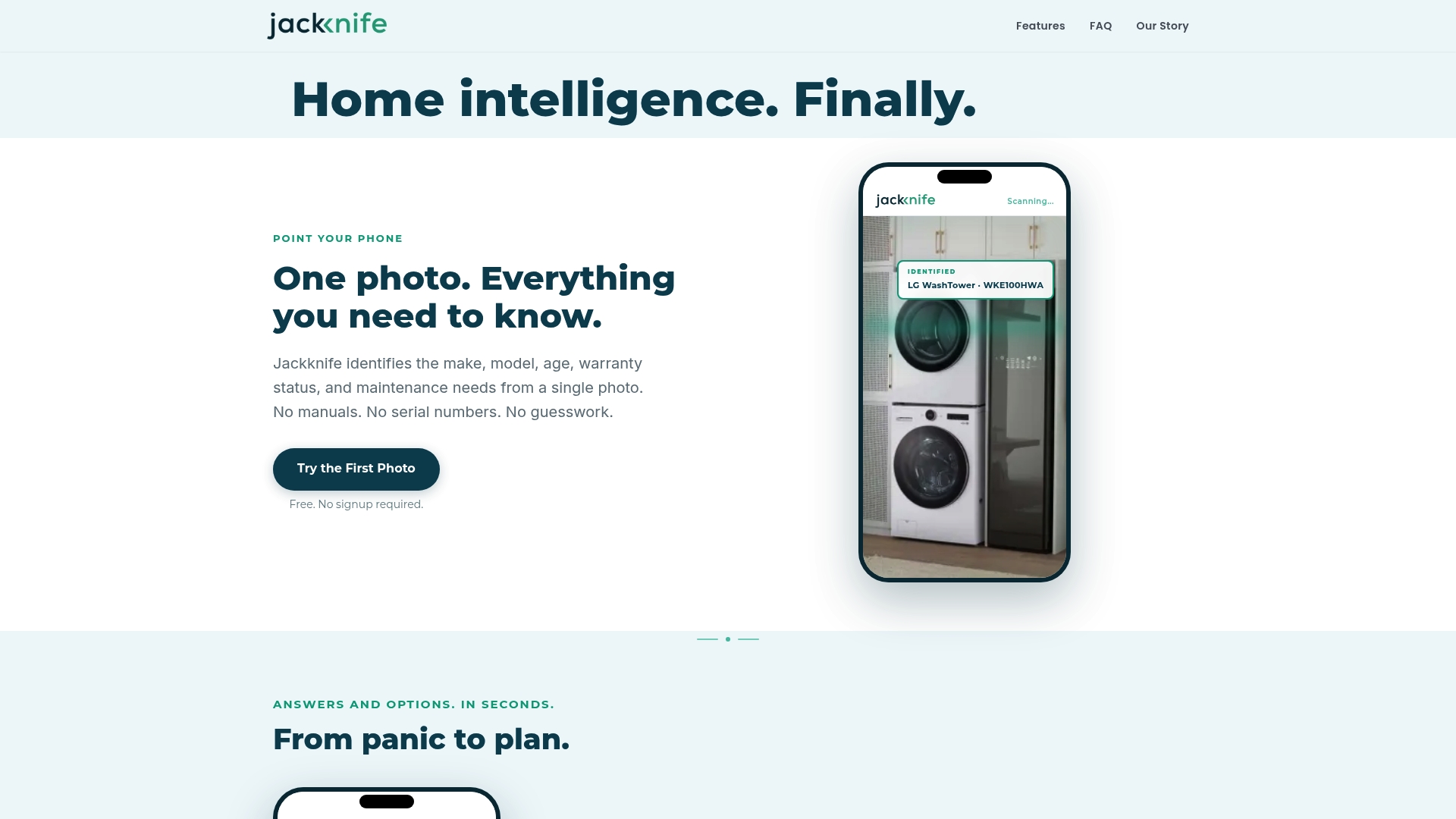
Free to use with no signup or ads, and its service focuses on Essex County, MA. The platform emphasizes privacy and says it earns revenue from contractor fees rather than selling user data. That local focus pairs photo-based diagnostics with verified contractor connections for neighborhood-level trust.
Core Features
Jackknife identifies appliances and common issues from photos and generates DIY repair plans with step-by-step instructions. It matches homeowners to local pros using reviews tied to real homes and tracks home inventory with value estimates and documentation. The product also manages projects and tasks with reminders and scheduling to keep repairs on track.
Key Differentiator
The central difference is the photo-driven identification combined with neighbor verification. Photos feed the diagnostics, and reviews link to actual homes and projects to reduce fake testimonials. That mix makes contractor matches feel more grounded in local experience than web-only review sites.
Pros
The platform is free and requires no account, which lowers the barrier to try photo diagnostics and basic tracking. Verified reviews tied to real homes make pro matching more practical for homeowners worried about anonymous ratings. Users keep control over what they share, and integrated documentation helps when filing insurance claims or preparing a house for resale. Jackknife also uses AI-driven diagnostics to speed identification and produce clearer DIY instructions.
Cons
- Limited geographic availability. The service currently focuses on Essex County, MA only.
- Narrow coverage scope. It centers on appliances and obvious home issues rather than every maintenance area.
- Photo quality dependence. Accurate identification requires clear, well-lit photos which not all homeowners can produce.
When It May Not Fit
If you live outside Essex County, MA this tool will not provide its core local contractor matching. If your needs include detailed structural inspections or landscape and exterior systems, the platform may not cover those areas. Teams that require multiuser account controls or enterprise workflows will find the feature set focused on single-home use.
Who It’s For
Homeowners in Essex County, MA who want quick, private answers about appliances and simple home issues will benefit most. People preparing documentation for insurance or resale will value the integrated records and project history. DIYers who prefer photo-guided instructions plus an easy path to vetted local pros will find the product useful.
Real World Use Case
A homeowner photographs a failing water heater and uploads the images to Jackknife. The tool identifies the unit age and common maintenance items then offers a step-by-step DIY plan and a list of nearby plumbers with verified neighbor reviews. The homeowner saves the repair documentation to their inventory and uses it when filing a water damage claim.
Website: https://jackknife.co
Comparison of alternatives
Among home maintenance management options, WorkbenchGuide stands out for its guided, expert-level DIY repair instructions, setting a high standard for hands-on usability. When comparing this offering to other platforms, evaluating dimensions such as task guidance, automation, and accessibility highlights key distinctions that assist in identifying the ideal solution for varying requirements.
Focused functionality versus broad versatility
WorkbenchGuide prioritizes guided DIY repair instructions and organized record-keeping approaches, a unique value derived from its developer’s professional contracting experience. HomeZada, on the other hand, emphasizes AI-driven tools for planning and visualization, catering to users who prefer technologically supported forecasting and financial integration. Homer aids in rapid initial household inventory setups through AI, reducing manual overhead where applicable. For users seeking tailored, contractor-specific guidance, WorkbenchGuide maintains a distinctive edge.
Accessibility and availability considerations
While WorkbenchGuide, HomeZada, and Homer deliver nationwide digital access, Oply and Jackknife focus on their respective local audiences, emphasizing community-driven functionalities or regional expertise. Although this localized approach offers superior relevance for their targeted demographics, it inherently excludes broader geographical applicability. HomeKeep’s manually intensive data entry method works best for owners prioritizing detail over automation.
Best fit
- Hands-on homeowners and managers looking for contractor-authored, step-by-step task assistance will appreciate WorkbenchGuide.
- Users wanting AI-driven maintenance visualizations and detailed expense tracking should consider HomeZada.
- Owners requiring rapid system documentation and effortless inventory creation might prefer Homer.
- Residents within Tennessee or Essex County seeking vetted contractor networks and local insights will find Oply and Jackknife match their specialized needs.
Our pick
WorkbenchGuide is the ideal choice for homeowners seeking meticulously authored DIY repair instructions coupled with effective task and maintenance tracking. However, for those needing AI-based visualization features or localized professional networks, other platforms such as HomeZada or Jackknife could serve better depending on the context of use.
Homeowners looking for a platform with practical guided maintenance supported by professional insights may find clarity in this comparison.
| Product | Core Feature | Best For | Pricing | Limitation |
|---|---|---|---|---|
| Workbenchguide | Guided DIY repair instructions | Homeowners organizing maintenance routines | $7/month to start | Limited support for complex building automation systems |
| HomeZada | AI-driven property analysis | Multi-property real estate agents | Free version; $99+/year | Higher pricing for single-property users |
| HomeKeep | Step-by-step maintenance planning | New homeowners learning upkeep | Subscription required | Dependence on manual entry |
| Homer | AI-powered inventory auto-detection | Homeowners centralizing manuals and records | Free version; premium tier pricing | No deep third-party integration details |
| Oply | Photo-based project estimation | Tennessee residents managing home repairs | Free with billed services | Restricted to Tennessee |
| Jackknife | Local contractor review portal | Essex County residents seeking trusted pros | Free | Limited to Essex County area usage |
Which Homekeeper.Agentive.Bz Alternative Can Simplify Your Home Maintenance?
Homeowners and landlords managing multiple properties often struggle with scattered records and unclear maintenance plans. This can lead to costly repairs and last-minute contractor calls. Workbenchguide helps by combining practical, contractor-backed repair guides with recurring maintenance reminders and a clear history log for every property.
If you want a solution that guides you step-by-step and keeps warranties and service contacts in one place, Workbenchguide offers an easy way to stay organized. Visit the site to see how you can reduce uncertainty and stay ahead of home repairs and maintenance tasks.
FAQ
What unique features does Workbenchguide offer for home maintenance management?
Workbenchguide provides guided DIY repair instructions authored by experienced professionals. This unique feature makes it accessible for homeowners who may not have prior trade skills, allowing them to follow step-by-step instructions with confidence.
How does Workbenchguide compare to HomeZada regarding user experience?
HomeZada offers AI-driven insights that generate personalized maintenance suggestions based on property analysis, which is a genuine strength for prioritizing renovations. Workbenchguide, however, excels in providing practical guidance through its contractor-written repair guides tailored to common jobsite practices, making it a better fit for hands-on maintenance tasks.
Which platforms offer comprehensive inventory management features?
HomeZada stands out for its centralization of home inventory, linking photos, receipts, and documents for insurance needs. In comparison, Workbenchguide focuses more on repair instructions and maintenance schedules, making it the go-to option for those needing practical task management rather than extensive inventory capabilities.
Can Workbenchguide help homeowners manage multiple properties?
Yes, Workbenchguide supports multiple properties with separate schedules and shared templates, making it suitable for small landlords and property managers. This allows users to keep organized maintenance routines for each unit without losing track of specific tasks.
What pricing options are available for Workbenchguide users?
Pricing for Workbenchguide starts at $7 per month for homeowners, with tiered plans that cater to landlords and property managers as their property limits increase. This affordability makes it accessible for various user needs.