

Keeping home and rental property maintenance organized often leads to missed repairs, lost inspection records, and unclear task assignments when managing multiple units. Many options either rely on unpredictable reminders or require disconnected tools that do not sync DIY guidance, maintenance tracking, and communication in one platform. This comparison details four home maintenance management solutions so you can match features, price, and workflow to your property type and decide which fits your approach to upkeep and recordkeeping.
Table of Contents
WorkbenchGuide
At a Glance
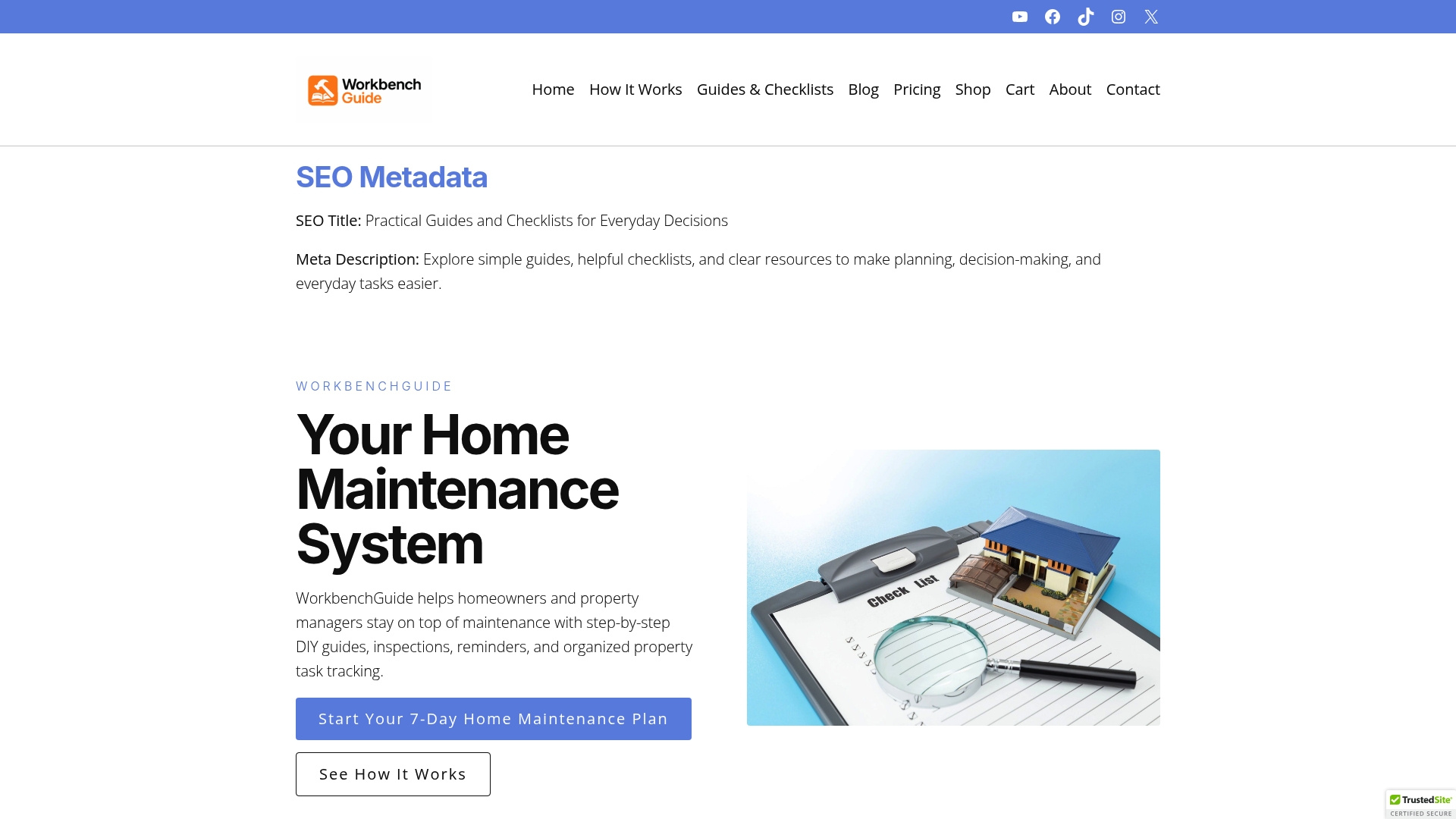
Created by a licensed general contractor, WorkbenchGuide combines step-by-step DIY instructions with maintenance schedules and inspection checklists into a single workflow homeowners and landlords can follow. The platform emphasizes practical, trades‑level guidance meant to reduce surprise repairs and paperwork.
Core Features
Guided DIY instructions with stepwise procedures and photos help you tackle common repairs without guesswork.
Maintenance schedules and reminders keep recurring tasks visible so seasonal jobs do not slip through the cracks.
Inspection checklists record history and notes, while task management accepts photos, comments, and follow up dates for each job.
Property records and multi property support let landlords and managers keep service history organized across units and addresses.
Mobile access and customizable maintenance plans let you run inspections, assign work, and checklists from the field.
Key Differentiator
The product’s single strongest claim is its combination of preventive maintenance schedules, DIY guidance, and task tracking all built on real contractor experience. That design makes recommendations that read like a tradesperson wrote them rather than an abstract checklist.
Pros
-
The contractor background makes the DIY instructions practical and prioritizes what actually fails first, which reduces wasted trips to the hardware store.
-
Maintenance schedules with reminders reduce the chance of deferred work and the repairs that follow, useful for older homes with known weak points.
-
Inspection checklists record a trail of photos and notes so you can show service history to tenants, buyers, or insurers without digging through email.
-
Multi property features let landlords coordinate recurring tasks across units and track which building still needs attention.
-
Mobile app accessibility means crews or tenants can upload photos and comments on the spot, speeding repair triage.
Cons
- Relies heavily on accurate user input for property details and task completion; incomplete entries reduce the platform’s predictive value and historical usefulness.
Who It’s For
Homeowners who prefer hands on maintenance, landlords managing multiple units, and property managers who need a predictable inspection and repair record. It fits users who want guidance that reads like field experience rather than high level theory.
Unique Value Proposition
Created by a licensed general contractor, the platform turns contractor habits into a repeatable maintenance system. That means the schedules and repair steps reflect how tradespeople actually assess risks and prioritize work, which changes how you budget and plan maintenance cycles.
Real World Use Case
A property manager uses WorkbenchGuide to schedule quarterly inspections across five apartment buildings, capture photos of minor issues, and assign repairs with due dates. Tenants receive reminders and the manager retains a searchable service history to show during turnover.
Pricing
The product data lists pricing as informational only and does not provide tier or fee details. Contact WorkbenchGuide for current plans or trial access.
Website: https://workbenchguide.com
RentRedi
At a Glance
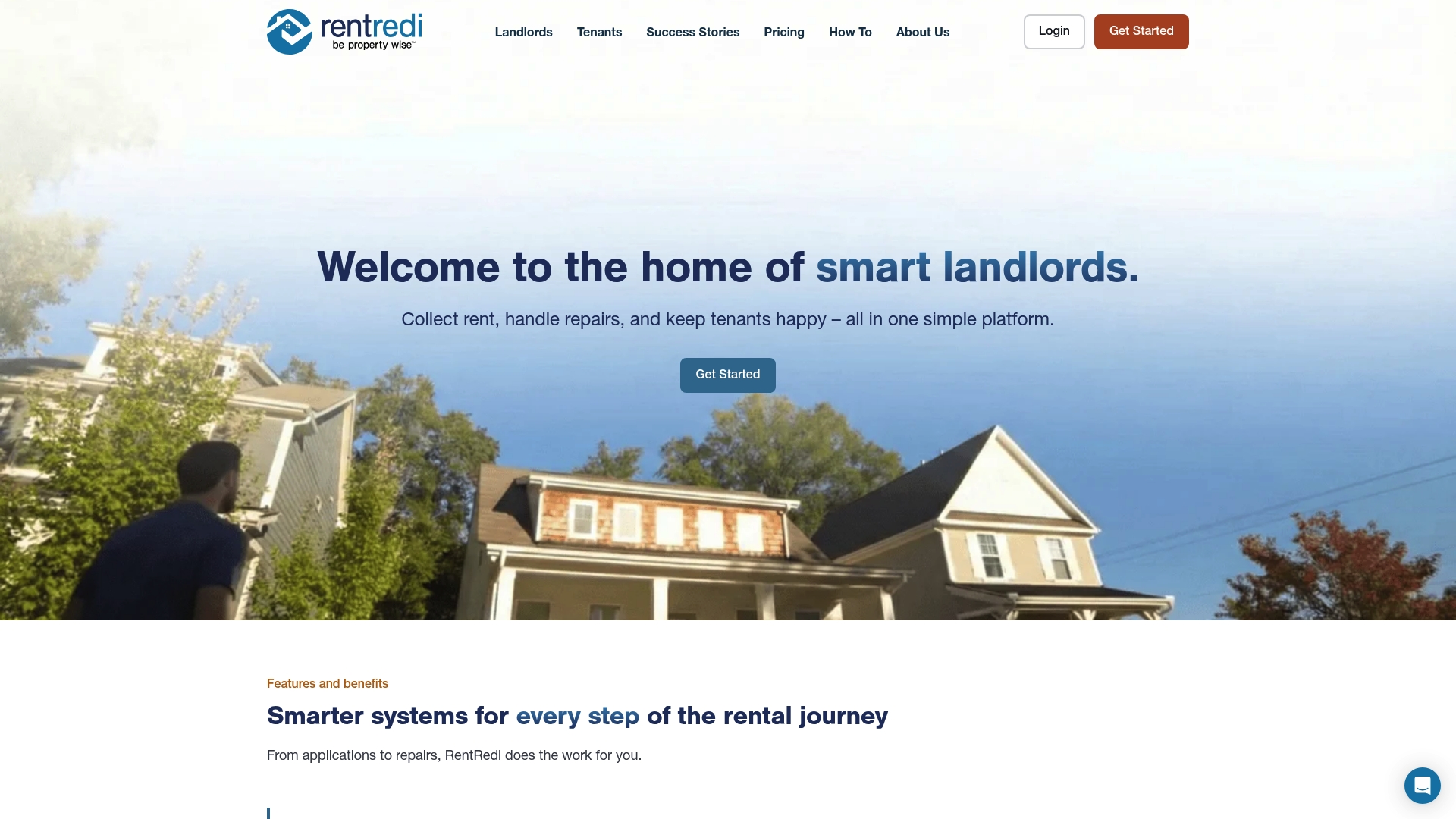
Starts at $5/month for the basic plan, making RentRedi one of the cheapest entry points for property management software. The platform bundles rent collection, tenant screening, maintenance tracking, and simple accounting into a mobile-friendly interface aimed at small portfolios.
Core Features
- Effortless rent collection with auto-pay and automated reminders that reduce late payments.
- Listing syndication to major rental sites including Zillow and Realtor.com for faster vacancy fills.
- Centralized messaging so tenant communications, notices, and threads live in one place.
- Maintenance request tracking with vendor assignment and status updates to close tickets faster.
- Tenant screening via a TransUnion partnership offering credit, criminal, and eviction checks.
Key Differentiator
RentRedi’s angle is the all-in-one platform that keeps day to day landlord tasks inside a single app. The mobile-first design means you can collect rent, review screening reports, and respond to maintenance requests from a phone without switching tools.
Pros
- The interface is easy to navigate. New users report faster task completion during the first week compared with cluttered systems.
- Mobile app functionality lets you manage listings, collect rent, and approve repairs while offsite.
- Customer support is responsive and claims 24/7 availability in product materials; response times vary by issue and user report.
- Built-in tenant screening and financial reporting cut down on manual reconciliation and spreadsheet work.
- Maintenance tools centralize vendor info and request history, which speeds repairs and keeps tenants informed.
Cons
- Some users report glitches or delays in payment processing that complicate reconciliation during busy billing cycles.
- Customer support experiences vary; a responsive rep is common but not guaranteed for every issue.
- Onboarding and initial setup can feel incomplete for users migrating large historical records.
- Occasional issues with payment reconciliation create extra accounting steps for portfolios with many units.
When It May Not Fit
Large portfolios that require enterprise accounting, multiuser permissions, or custom reporting will find RentRedi limited. If flawless payment processing and detailed trust accounting are nonnegotiable, the occasional payment glitches and reconciliation gaps above could be a deal breaker.
Notable Integrations
- TransUnion for tenant screening reports, including credit, criminal, and eviction checks. This integration keeps background checks inside the RentRedi workflow rather than forcing separate vendor logins.
Who It’s For
Independent landlords and small to medium property management firms that want a straightforward, mobile-first system to automate rent, screening, and maintenance. Ideal for owners managing between a few and a few dozen units who value simplicity over enterprise features.
Real World Use Case
A landlord with 10 rental units automates rent collection and uses screening reports to vet applicants. Maintenance tickets and vendor contacts live in the same app, and monthly income and expense summaries cut bookkeeping time by several hours.
Pricing
Plans start at $5/month billed monthly for the basic tier. The growth plan is $12/month billed annually. Custom pricing is available for larger portfolios that need more features or white glove onboarding.
Website: https://rentredi.com
PropUp
At a Glance
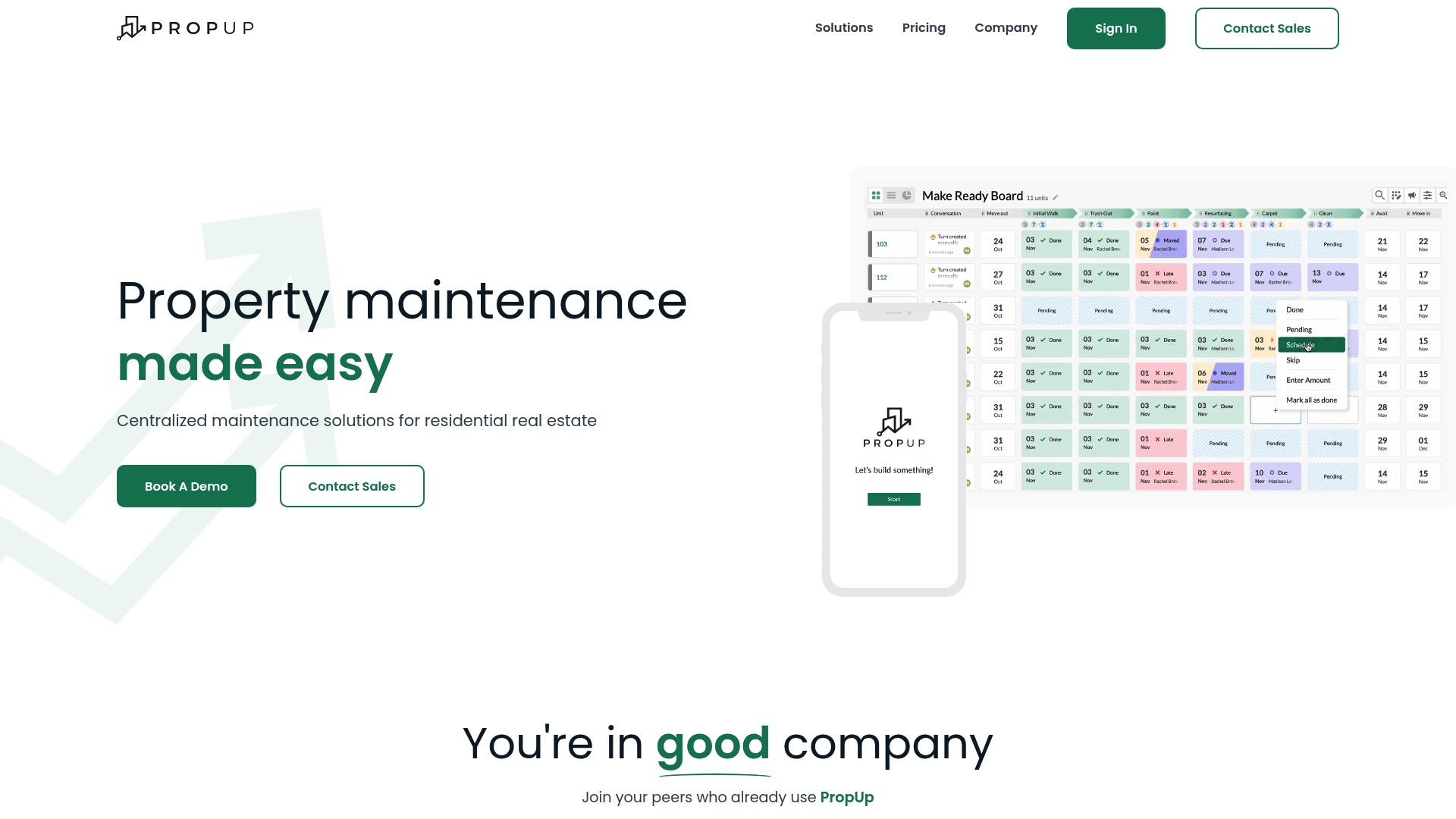
PropUp connects directly to Yardi, RealPage, AppFolio, and other property systems so vacancy and turnover workflows pull live lease and unit data into day-to-day operations. The platform focuses on unit turnovers, inspections, and work order flow for multifamily portfolios rather than homeowner how-to content.
Core Features
- End-to-end vacancy management and unit turnover workflows that tie tasks to unit and lease records.
- Customizable inspection templates with photo and video capture for move‑outs and move‑ins.
- Work order processing with real-time updates and offline mode for field technicians.
- Asset inventory tracking, damage logging, and reporting tools that surface repair needs.
Key Differentiator
PropUp delivers a customizable vacancy and maintenance workflow that plugs into existing property management systems. Where GetHousewise.com targets homeowners with DIY guidance, PropUp is built for operators who need data synchronized between their PMS and field teams across many units.
Pros
- Integration-first approach reduces duplicate data entry when you already run a PMS like Yardi or AppFolio. That lowers admin time for leasing and maintenance teams.
- The interface is straightforward so coordinators and vendors learn core flows quickly and complete inspections or work orders on a phone or tablet.
- Real-time sync plus offline capabilities keep field crews productive when connectivity drops, which limits work stoppage during turnover windows.
- Custom templates let you standardize unit condition checks and attach photos or videos to each task for dispute resolution with residents.
- Built-in asset tracking links damages and repairs back to units, helping you prioritize work orders by turnover deadlines.
Cons
- Buyers report frequent feature updates, which can require retraining and short-term friction for teams used to stable workflows.
- Pricing varies with portfolio size; very small owners seeking a fixed low monthly fee may find the model less transparent.
- Some analytics features like dashboard integrations and bulk data exports are still in development, limiting advanced reporting today.
When It May Not Fit
According to the vendor, implementation can take up to 2 to 3 weeks depending on portfolio complexity. If you need instant, out-of-the-box reporting or you operate a handful of single-family rentals, the onboarding window and per-unit pricing model may not match your needs.
Notable Integrations
- Yardi, RealPage, AppFolio
- ResMan, Entrata, Fortress, Buildium, RentManager
Who It’s For
Multifamily property owners, operators, and management firms managing many units who need operational visibility across turnovers and maintenance. Property teams that already use a PMS and rely on vendors or in-house crews will get the most value.
Real World Use Case
Elmington Property Management used PropUp’s inspection and task flows to speed unit turnovers and reduce vacancy downtime by coordinating cleaners, vendors, and leasing in one timeline. The case shows how centralized task assignment cuts handoffs between teams.
Pricing
The company advertises pricing that typically starts at $1 per unit per month and asks buyers to contact them for a custom quote based on portfolio size and feature needs.
Website: https://gopropup.com
Comparing Home Maintenance Management Solutions
Managing properties effectively requires tools that cater to diverse needs, from hands-on maintenance schedules to tenant communications. This analysis examines the tradeoffs between WorkbenchGuide, RentRedi, and PropUp.
Maintenance Guidance and Predictive Insights
WorkbenchGuide excels in practical DIY maintenance instructions that integrate preventative schedules and task tracking. Its focus on guidance reflects real-world contractor expertise, offering a sophisticated approach for property owners seeking to lower repair costs through informed prevention and hands-on management. By contrast, RentRedi and PropUp provide tools that streamline administrative tasks and tenant interactions but do not emphasize DIY knowing and property optimization as extensively.
Administration for Multitenant Properties
For property managers of multifamily units, PropUp offers strong integration capabilities with platforms like Yardi and AppFolio, enabling synchronization of data between systems. This feature benefits users overseeing transitions and tenant records within expansive portfolios. RentRedi, on the other hand, emphasizes tenant payment processing and rent collection features, making it particularly suitable for smaller-scale landlords focusing on streamlined tenant screening and rent handling processes. Both represent strong administrative solutions in their respective niches.
Best Fit Recommendations
- WorkbenchGuide: Ideal for homeowners or managers of diverse properties needing preventative maintenance insights and step-by-step DIY support for better upkeep.
- RentRedi: Suitable for smaller landlords requiring efficient rent collection, tenant screening, and basic maintenance request tracking.
- PropUp: Best for multifamily property managers benefiting from system integrations to handle inspections, maintenance coordination, and property transitions effectively.
Our Pick
WorkbenchGuide is recommended for property managers and homeowners desiring a contractor-informed system to optimize property upkeep and minimize unexpected repairs. Its distinctive combination of predictive maintenance scheduling, DIY repair guidance, and task tracking addresses the needs of proactive property caretakers. However, for those prioritizing tenant payment processes or large-scale integration operations, RentRedi and PropUp respectively provide specialized alternatives to consider.
Home Maintenance Management Solutions Comparison
Selecting the right home maintenance management solution depends on combining preventive workflows, accessibility, and tailored features for different property management needs.
| Product | Key Differentiator | Best For | Pricing | Notable Limitation |
|---|---|---|---|---|
| WorkbenchGuide | DIY guidance integrated with contractor-level maintenance tools | Homeowners and landlords | Not disclosed | Relying on accurate user input for optimal effectiveness |
| RentRedi | Mobile-first app consolidating rental management functions | Small landlords and property managers | Starts at $5/month | Occasional payment processing and reconciliation difficulties |
| PropUp | Property Management System integration for turnovers workflows | Multifamily portfolio managers | $1/unit/month, custom quotes | Updates may require frequent team retraining, causing disruptions |
Discover a Straightforward Alternative to Gethousewise.com for Home Maintenance
Managing your home upkeep can feel overwhelming when you face constant repair surprises and scattered paperwork. Workbenchguide offers a solution designed by a licensed general contractor to help you take control with practical DIY guidance, smart maintenance schedules, and organized inspection checklists. This hands-on approach targets exactly the pain points highlighted in the “Top 4 Gethousewise.com Alternatives 2026” article, focusing on reducing guesswork and costly repairs.
If you want to stop guessing what needs attention around your house and create a clear routine that fits your schedule, Workbenchguide is built for you. Visit our site, explore the step-by-step instructions, and start managing your home maintenance confidently today.
Frequently Asked Questions
How does Workbenchguide help with preventive maintenance?
Workbenchguide provides structured maintenance schedules and reminders that keep recurring tasks visible, reducing the chance of deferred work. This feature is especially useful for managing older homes with known weak points and ensures that seasonal jobs do not slip through the cracks. Users looking to keep their properties in good condition should consider leveraging this functionality.
What is the difference between Workbenchguide and RentRedi in terms of mobile access?
RentRedi offers a mobile-friendly interface that simplifies tasks such as rent collection and tenant screening, while Workbenchguide’s core strength lies in its combination of DIY guidance and maintenance tracking. RentRedi is ideal for independent landlords focusing solely on rent and maintenance management, whereas Workbenchguide is better suited for homeowners and landlords wanting detailed maintenance workflows with contractor-level insights.
Which platform is better for property managers handling multiple properties?
For property managers, Workbenchguide excels due to its multi-property support that allows for organized service history across various units and addresses. This capability makes it easier to track inspections and repairs for several properties efficiently. Property managers should evaluate their specific oversight needs when choosing between platforms.
Can I use Workbenchguide effectively if I’m managing just a single property?
Yes, Workbenchguide can still be effectively used for single property management, as it provides practical DIY instructions and maintenance schedules that can benefit any homeowner. Users managing just one property can take advantage of its organized task management to maintain their home efficiently.
Does Workbenchguide offer features that support inspection checklists?
Yes, Workbenchguide includes inspection checklists that allow users to record history and notes while managing tasks with the ability to add photos and comments. This feature helps create a clear service history that homeowners and landlords can refer back to when needed. This capability is essential for those wanting to keep detailed records of property maintenance.